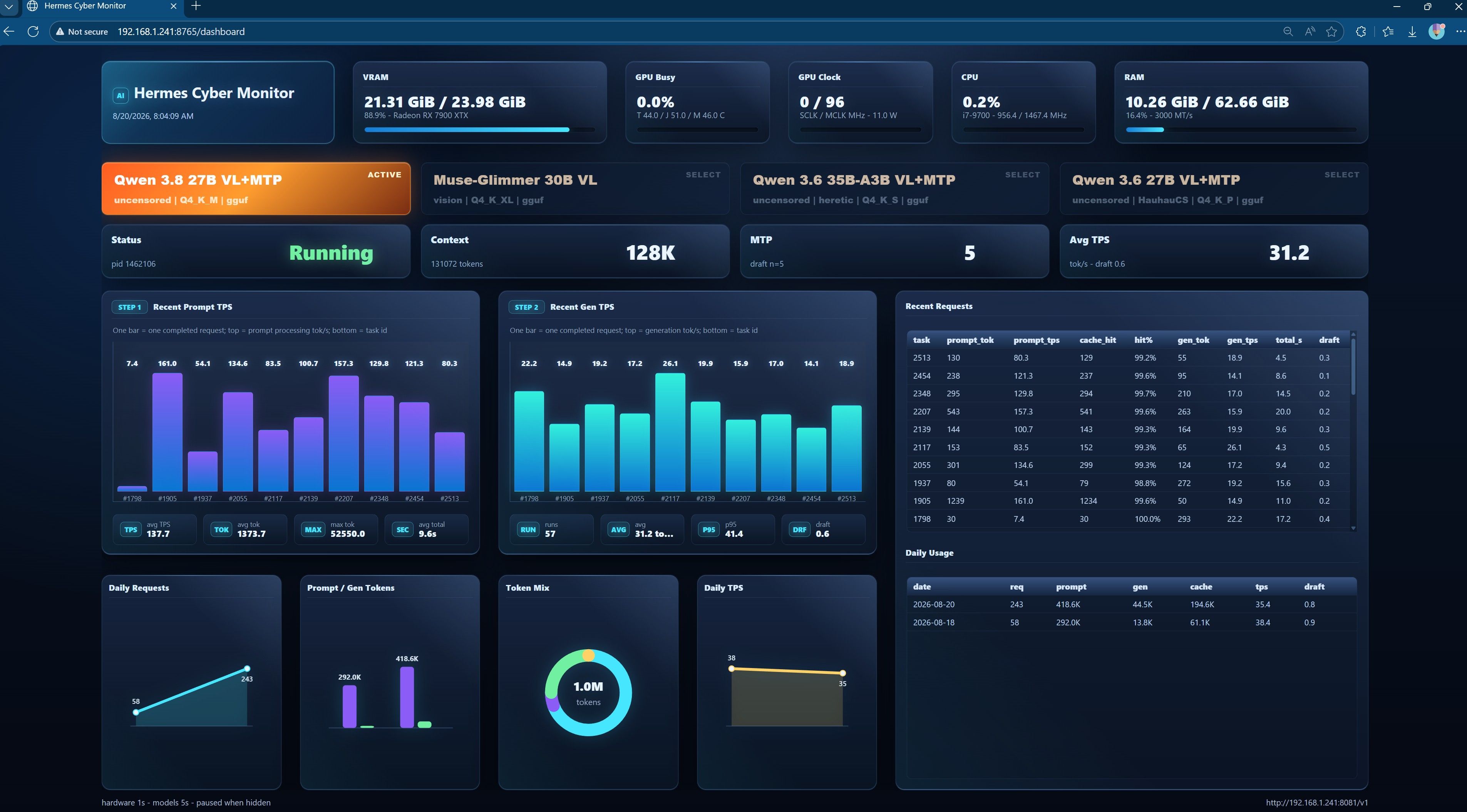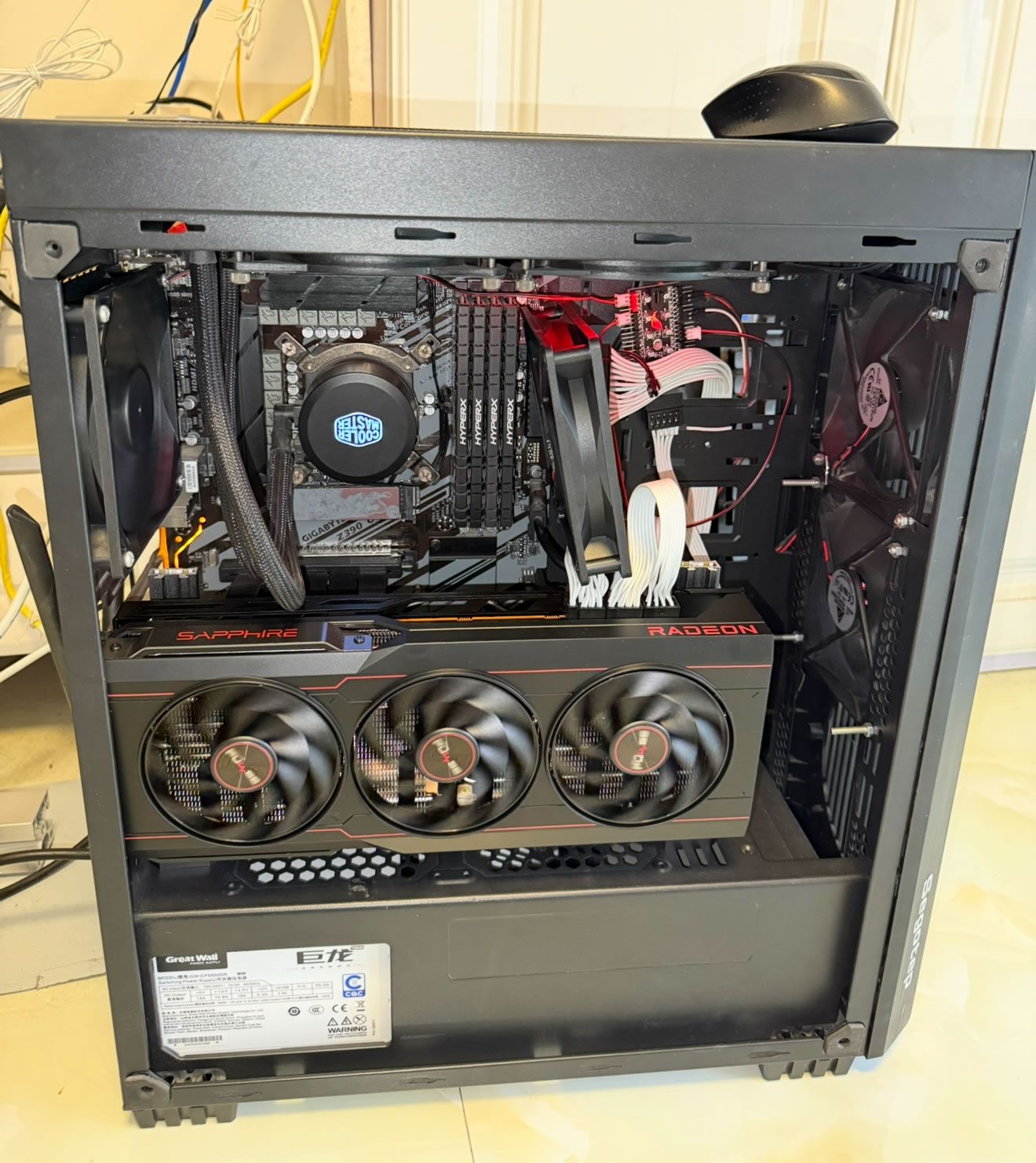
也是被锤哥种草后,
看到大神的测试 https://lcz.me/topic/100/7900xtx-llama.cpp-qwen3.6-27b-turboquant-mtp-测试结果分享
入手7900XTX,本来犹豫RX 9700它的大显存,但最后还是要了7900XTX的 960 GB/s 位宽
也不会做测试,就直接抄大神作业吧,全程不会就问候 codex
直接上图
~$ ./start-hermes-qwen-mtp-vulkan.sh device
CPU: Intel(R) Core(TM) i7-9700 CPU @ 3.00GHz (8T)
主板: Gigabyte Technology Co., Ltd. Z390 UD | PCIe 3.0 16.0 GT/s x16
内存: 62.66Gi total, 37.53Gi available, 25.13Gi used
显卡1: [AMD/ATI] Radeon RX 7900 XT/7900 XTX/7900M 24GB
           显存: 19.03GB/24GB
显卡2: [Intel] UHD Graphics 630

~$ ./start-hermes-qwen-mtp-vulkan.sh tps
log: ~/.hermes/llama-server-mtp-vulkan-8081.log
   task prompt_tok prompt_tps  gen_tok   gen_tps  total_s    draft
------------------------------------------------------------------------
      0      26298     537.42       38     43.15    49.81     0.82
     69      12727     427.73      272     44.69    35.84     0.77
    204      13037     405.16      138     47.08    35.11     0.85
    284       6176     377.37      179     37.44    21.15     0.65
    377        269     205.94      157     37.23     5.52     0.70
    446       6682     379.34      244     38.17    24.01     0.70
    565        344     239.22       62     44.11     2.84     0.93
    591        631     285.02      305     39.23     9.99     0.69
    724       1263     199.73       52     49.91     7.37     1.00
    747        225      62.91      101     45.20     5.81     0.93
    786        504     260.78      117     41.00     4.79     0.96
    830        834     280.13       52     35.17     4.46     0.89
    854        143     189.96       56     46.10     1.97     1.00
    877        228      64.65      122     37.29     6.80     0.98
    922        931     283.77       71     33.98     5.37     0.88
    953        205     186.53      419     36.35    12.63     0.74

~$ ./start-hermes-qwen-mtp-vulkan.sh status
Hermes + Qwen Vulkan MTP
  llama binary : ~/llm/llama.cpp/build-vulkan/bin/llama-server
  model        : ~/models/Qwen3.6-27B-uncensored-heretic-v2-Native-MTP-Preserved-Q4_K_M.gguf
  context      : 131072
  draft n      : 2
  llama log    : ~/.hermes/llama-server-mtp-vulkan-8081.log
  llama-server : running pid=3639
  Hermes Web UI: running
  Hermes gateway: running

URLs:
  llama-server: http://192.168.1.241:8081/v1
  Hermes UI   : http://192.168.1.241:8648
llama-server 启动参数
~/llama.cpp/build-vulkan/bin/llama-server \
  -m ~/models/Qwen3.6-27B-uncensored-heretic-v2-Native-MTP-Preserved-Q4_K_M.gguf \
  --host 0.0.0.0 \
  --port 8081 \
  -ngl 999 \
  -np 1 \
  -c 131072 \
  -fa on \
  -ctk q4_0 \
  -ctv q4_0 \
  -b 512 \
  -ub 512 \
  --cache-ram 8192 \
  --jinja \
  --reasoning off \
  --reasoning-format none \
  --spec-type draft-mtp \
  --spec-draft-n-max 2 \
  --temp 0.6 \
  --top-p 0.95 \
  --top-k 20 \
  --min-p 0.0 \
  --presence-penalty 1.5 \
  --alias qwen3.6-27b-mtp-q4-vulkan
硬件拉跨点儿,不过跑128K上下文,速度33~49tps,还可以,也就忍了,
就是只能单并发跑llama-server,折腾到最后发现 qwen 3.6 27b MTP 不支持视觉识别,看来还得折腾 5090 给它配个视觉模型
opencode
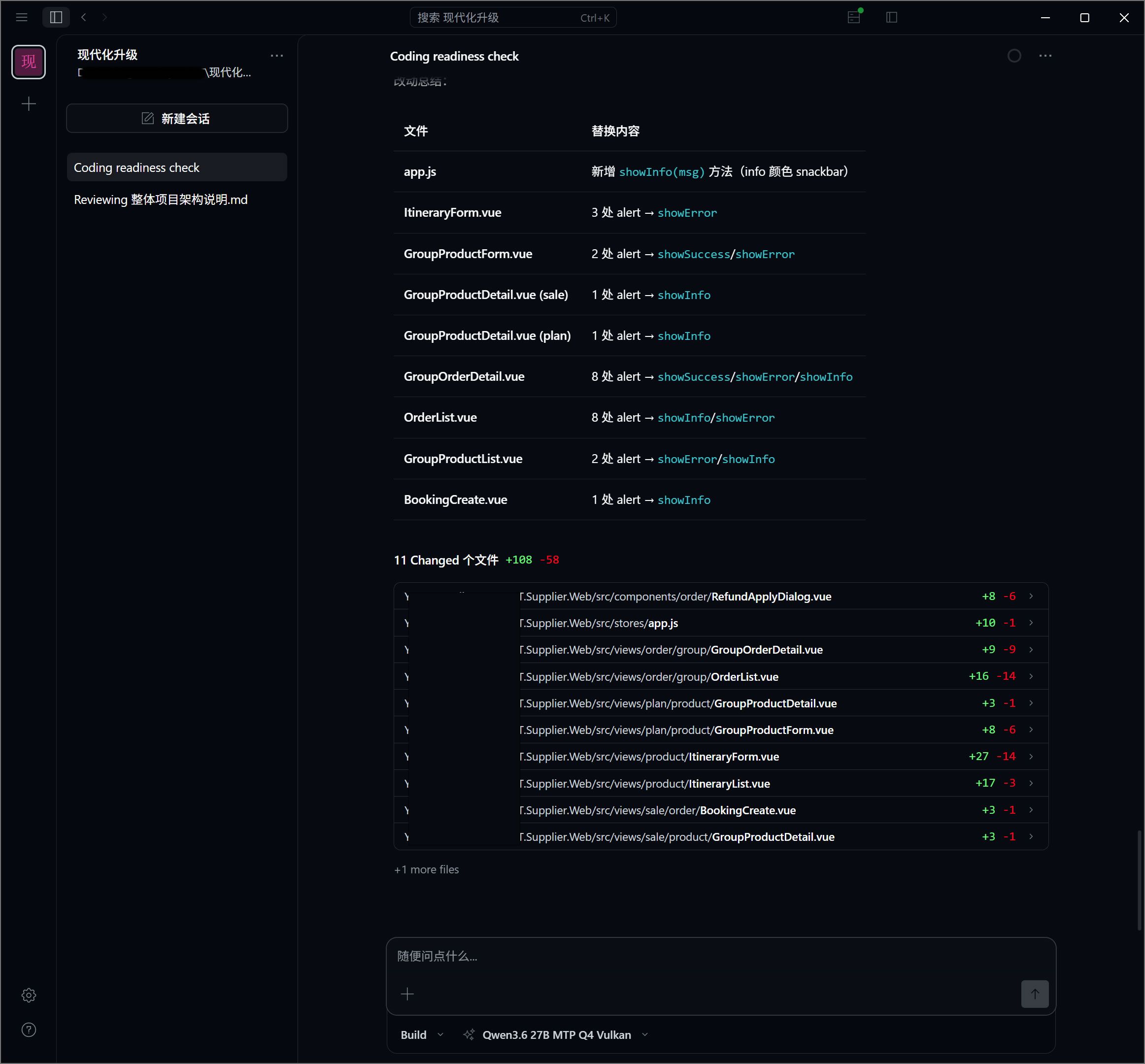
最后感谢锤哥和坛子里诸位大神,受益匪浅~~
.
.
.
.
------------2026-6-13更新-----------------
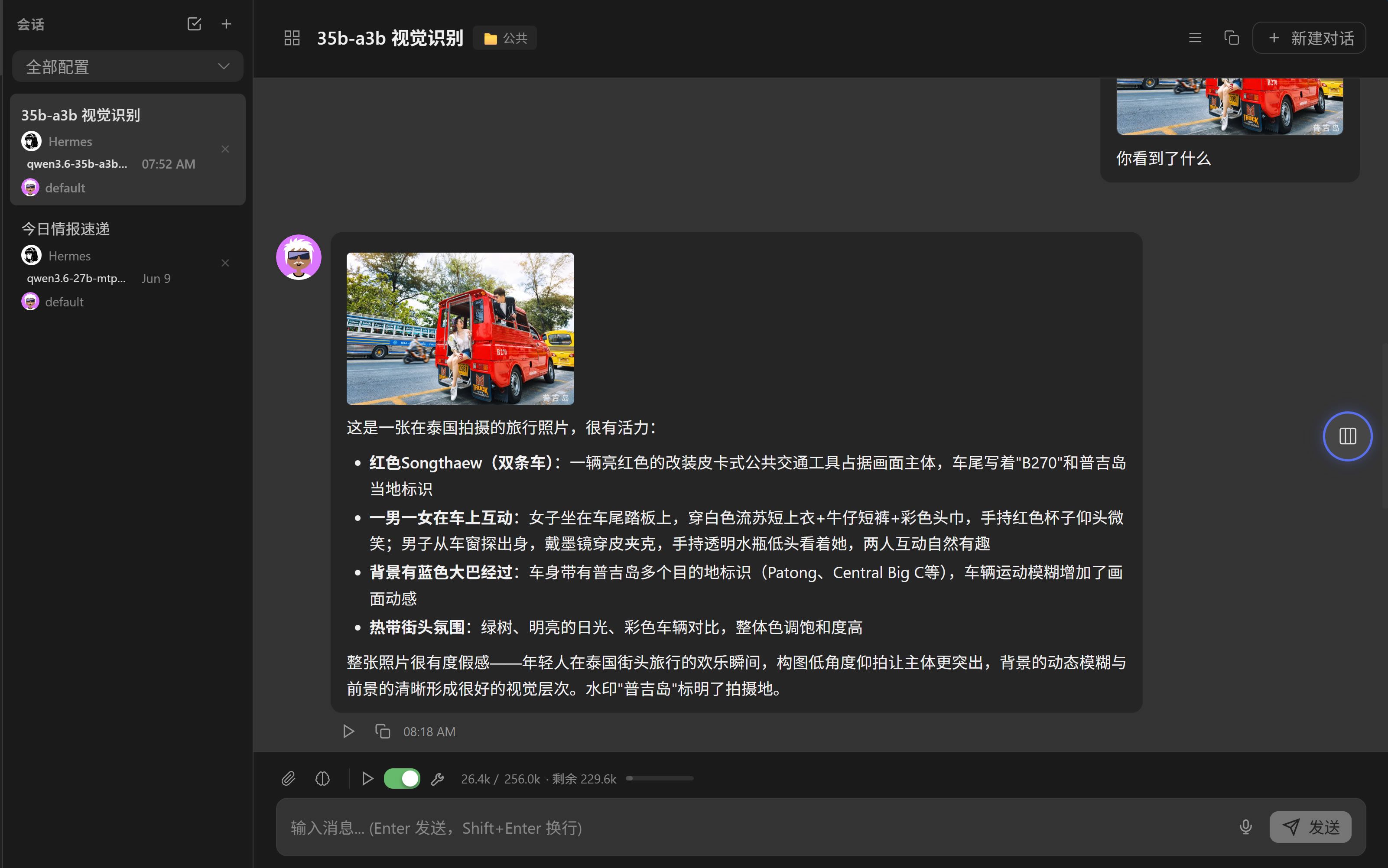
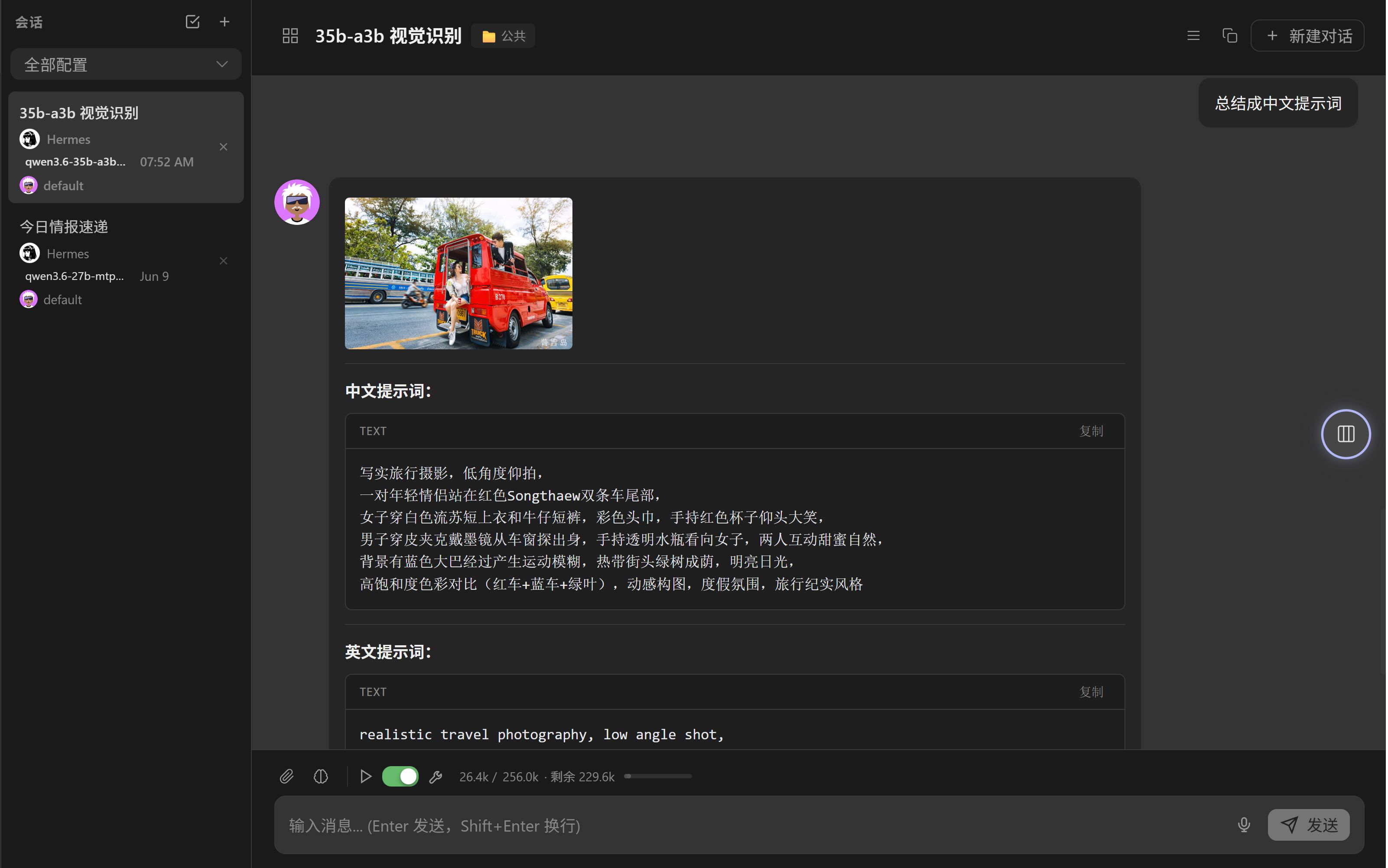
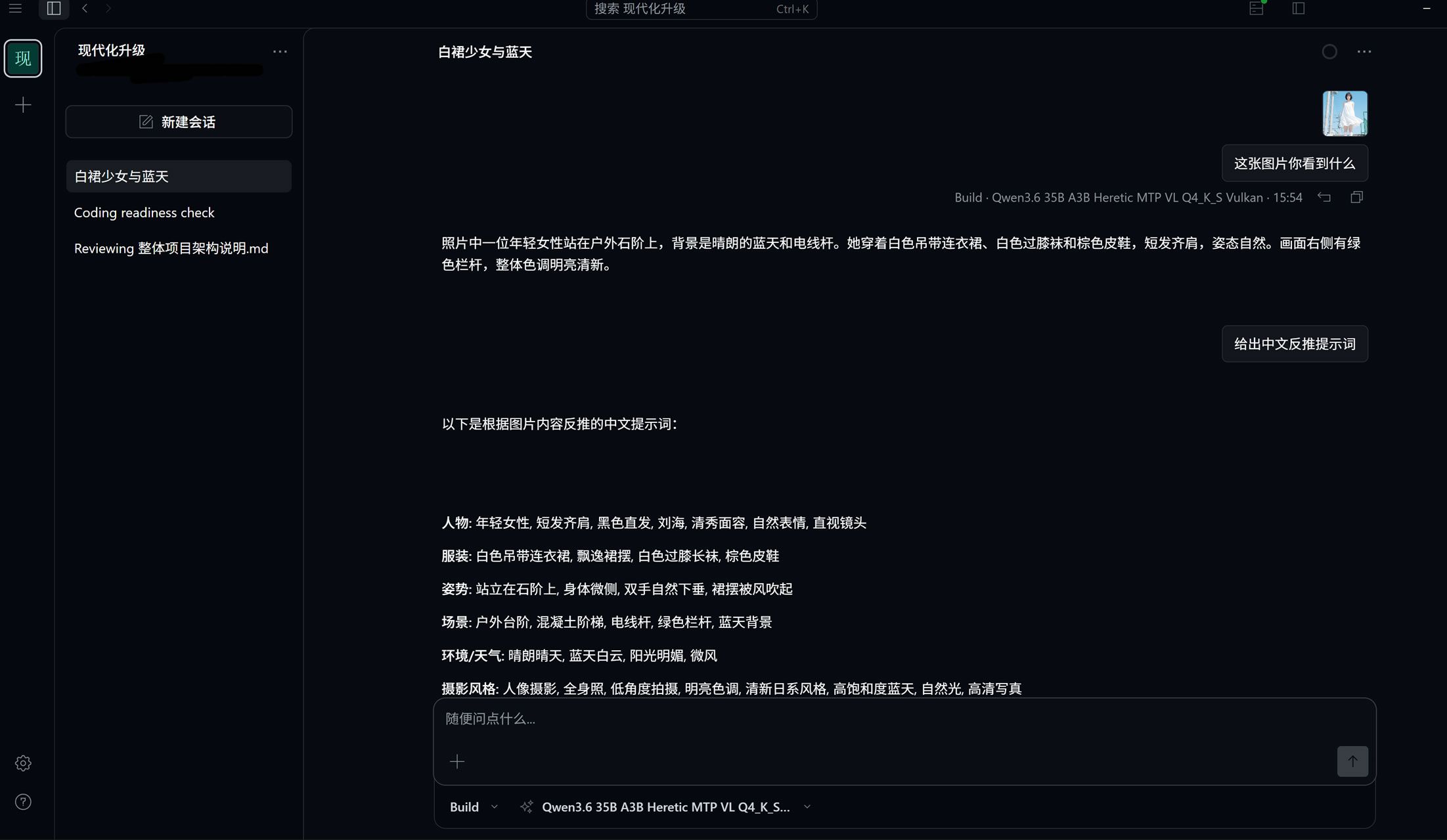
有 @tony-wang 大大提点,一大早起来开始折腾,又问候了codex,才有了巨大进展,可以视觉识别 + 70-80 tps了,依旧是128K上下文
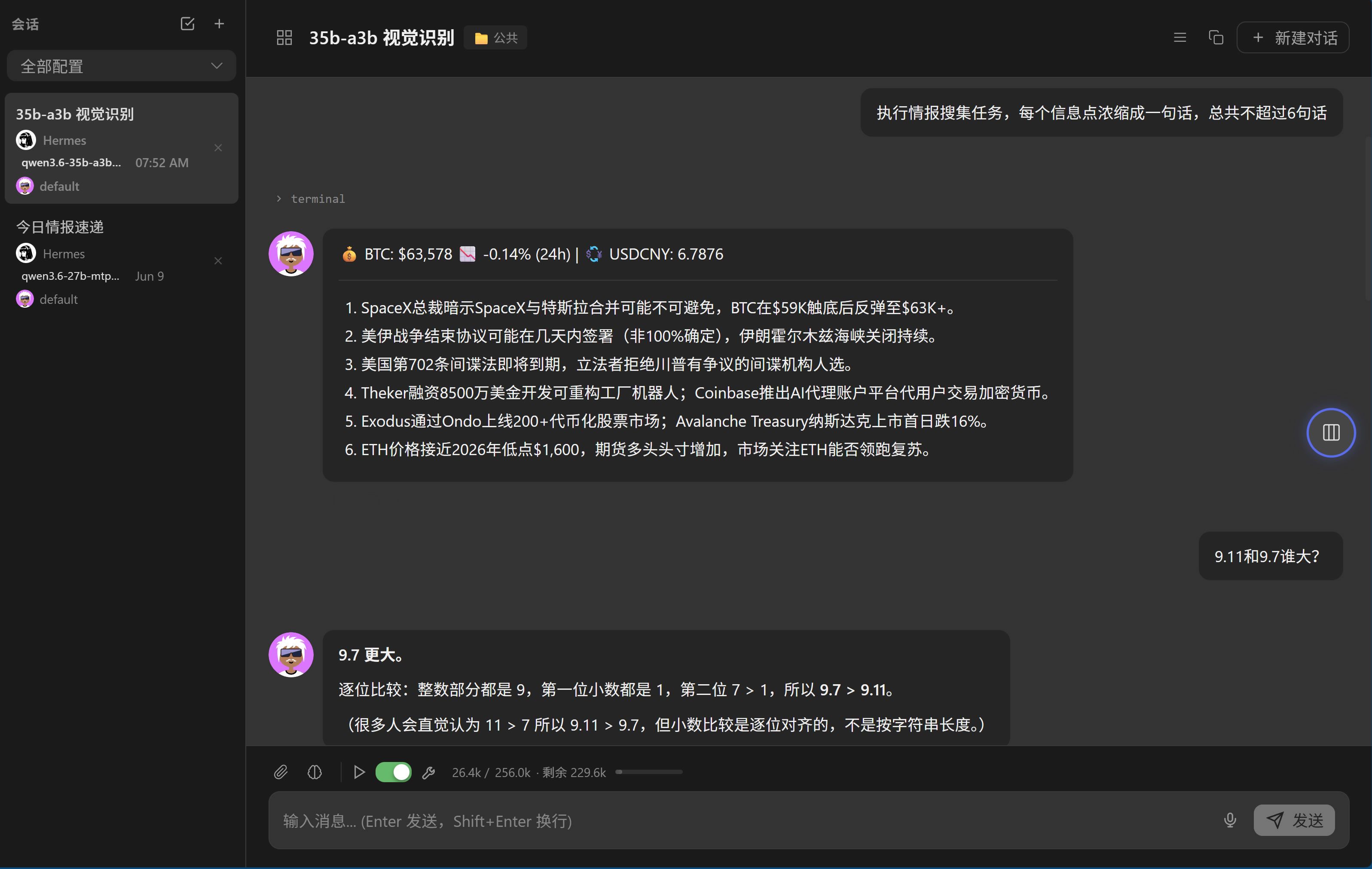
opencode 增加视觉识别
~$ ./start-hermes-qwen-35b-a3b-heretic-mtp-vl-vulkan.sh status
Hermes + Qwen Vulkan 35B-A3B Heretic MTP+VL
  llama binary : ~/llm/llama.cpp/build-vulkan/bin/llama-server
  model        : ~/models/Qwen3.6-35B-A3B-uncensored-heretic-Native-MTP-Preserved-Q4_K_S.gguf
  mmproj       : ~/models/Qwen3.6-35B-A3B-uncensored-heretic-Native-MTP-Preserved-mmproj-BF16.gguf
  context      : 131072
  n-cpu-moe    : 0
  draft n      : 2
  llama log    : ~/.hermes/llama-server-35b-a3b-heretic-mtp-vl-vulkan-8081.log
  llama-server : running pid=61860
  Hermes Web UI: running
  Hermes gateway: running

URLs:
  llama-server: http://192.168.1.241:8081/v1
  Hermes UI   : http://192.168.1.241:8648
~$ ./start-hermes-qwen-35b-a3b-heretic-mtp-vl-vulkan.sh tps
log: ~/.hermes/llama-server-35b-a3b-heretic-mtp-vl-vulkan-8081.log
   task prompt_tok prompt_tps  gen_tok   gen_tps  total_s    draft
------------------------------------------------------------------------
      0      25098    1670.17       10     86.48    15.14     1.00
     32         48     215.40       56     82.11     0.90     0.97
     55        706     817.41      217     70.99     3.92     0.71
    150        349     643.16      217     78.72     3.30     0.93
    230        253     658.78      383     80.40     5.15     0.99
    362       1533     955.48       38     77.28     2.10     0.96
    380         73     238.06       38     79.33     0.79     0.96
    397        142     403.83       32     58.86     0.90     0.37
    420        241     654.80       83     75.23     1.47     0.74
    458        700     630.55     1153     75.61    16.36     0.62
    978       1559     989.51      243     63.39     5.41     0.54
   1100        340     657.48      290     70.11     4.65     0.70
n-cpu-moe=999,全放在CPU,很慢,20 tps
n-cpu-moe=0,显存占用21.421Gi/23.984Gi,速度很快,128K上下文,70-80 tps,肉眼可见的快,给一张图片,很快能识别出来,小图2~3秒,大图6秒,执行任务也飞起,快得我有点怀疑人生
这回不用愁不会写提示词了 
一会儿测试一下编程能力