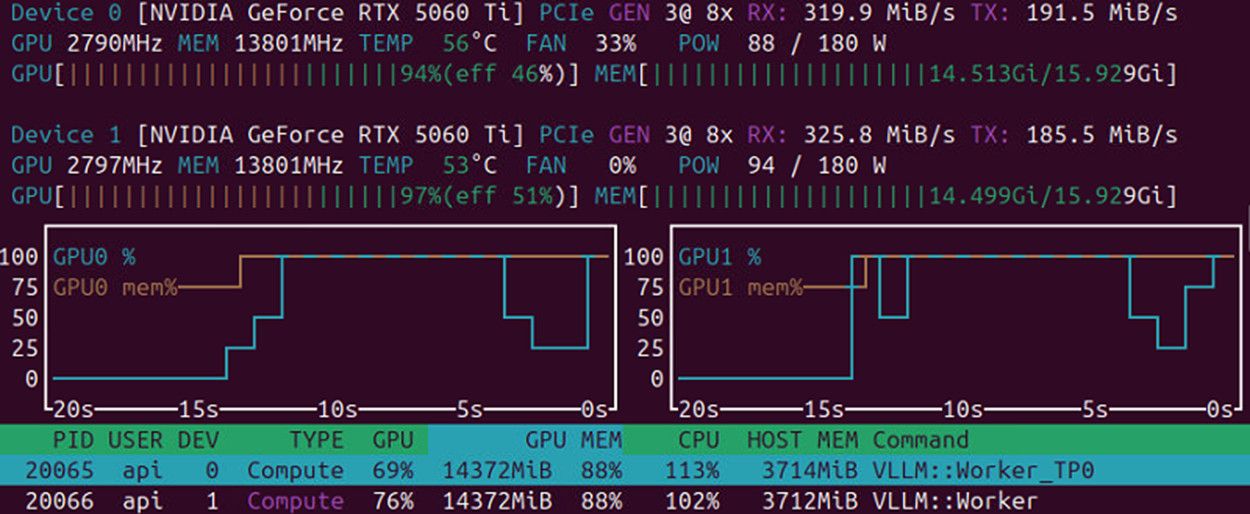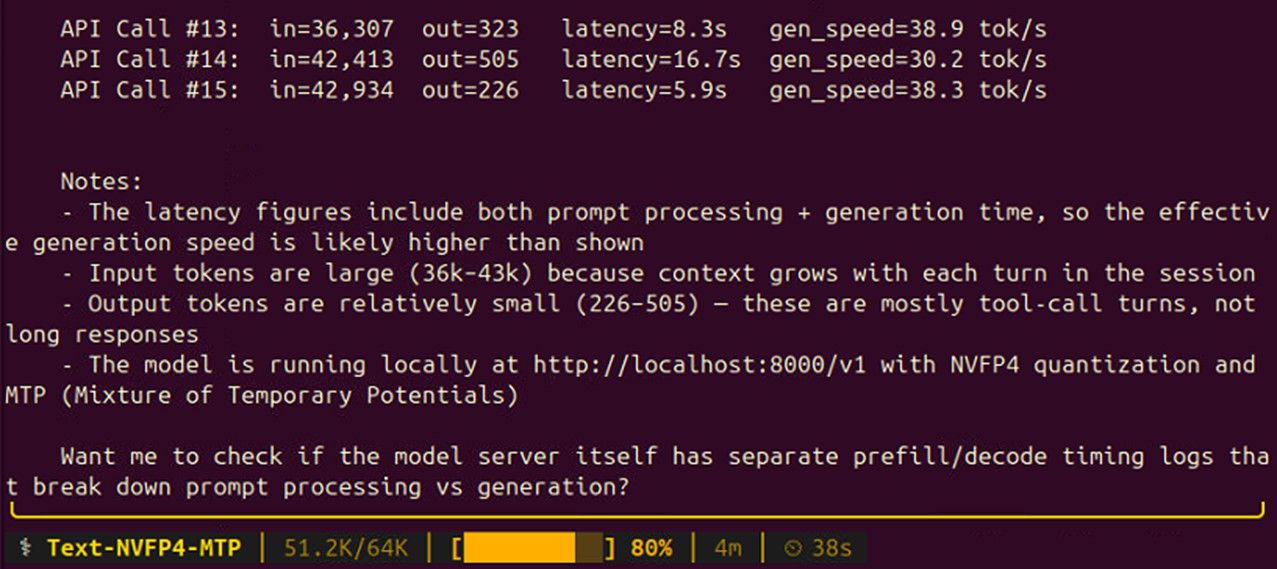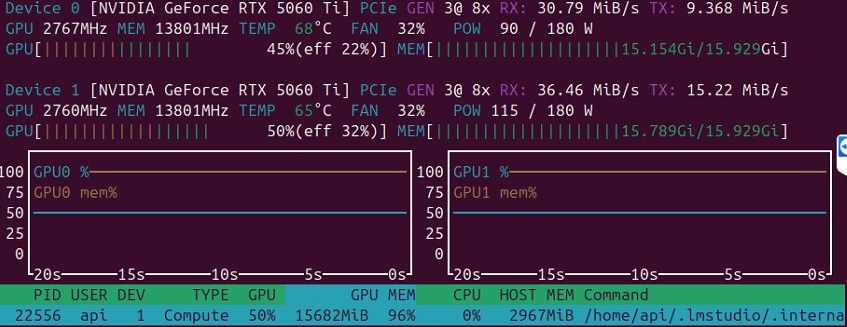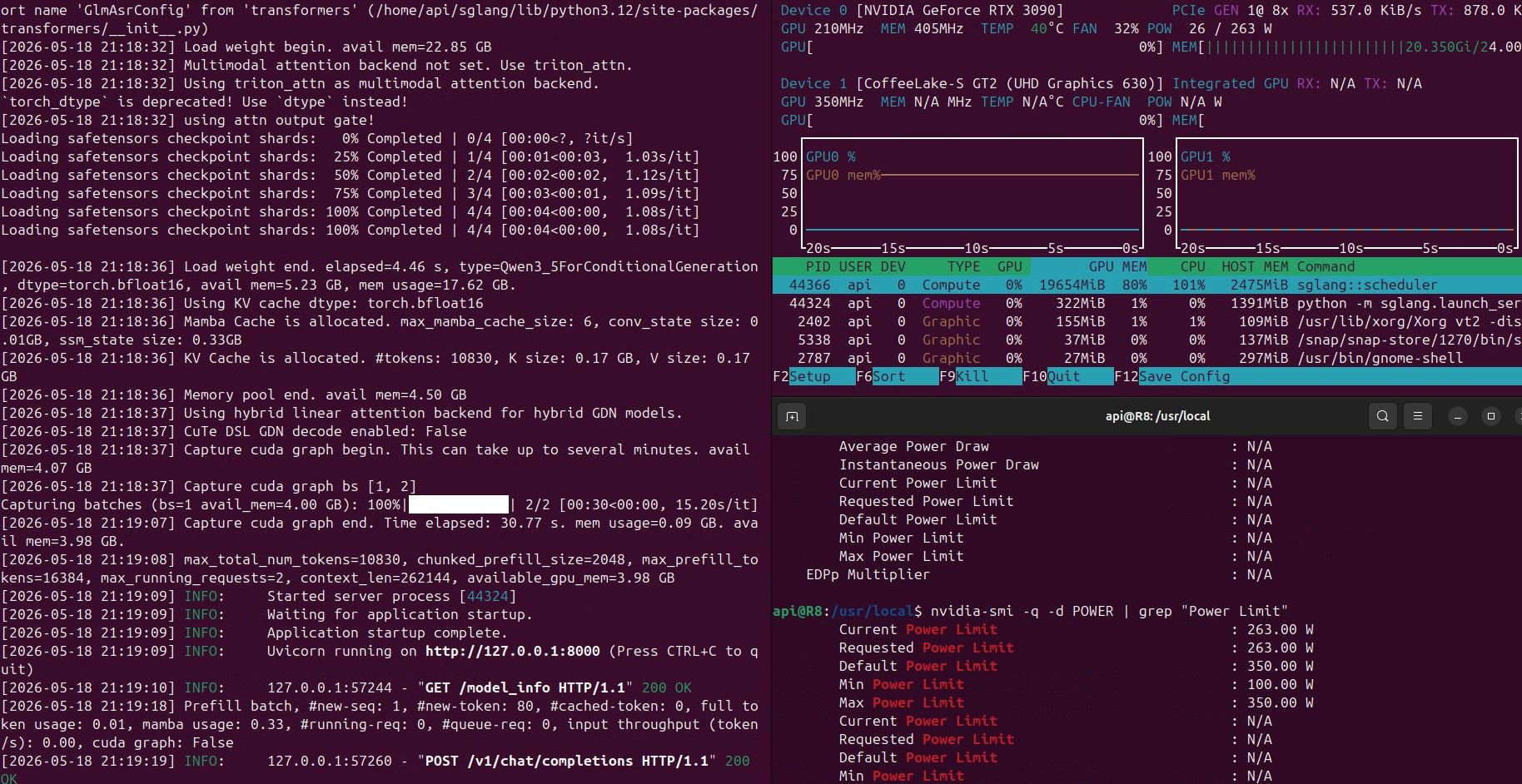
首次在 Windows 11 系统上安装 DSH。运行 DeepSeek 4.1 Flash,安装 Strata NVFP4 仅花费 0.15 美元。NVFP4 据称相当于 4.5 量化版本。
Strata NVFP4 分支 https://github.com/sergqwer/strata-nvfp4
jpezzulli/OrcaRouter-Qwen3.8-Flash-Next-Uncensored-ModelOpt-NVFP4
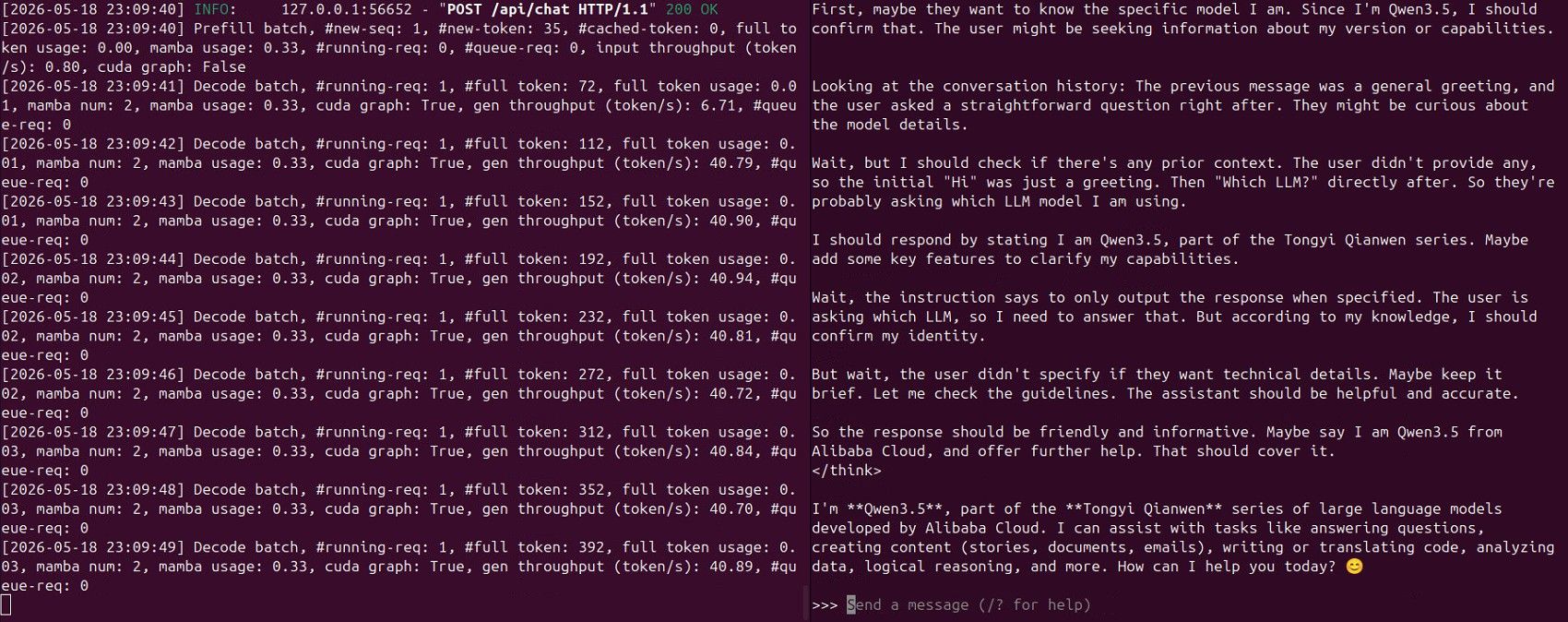
单次解码速度 (Decoding),~43 tok/s
服务端解码速度,~30 tok/s
首枚令牌时间 (TTFT),1.31 秒
竞技场负载 (Arena Load),63.28 GiB @ 2.52 GiB/s
草案通过率 (Draft Acceptance),23/31 (74%)
计算能力 12.0,AVX2 池(此 CPU 不支持 AVX-512),并且已自动将缓存大小调整为 2773 个插槽
| Item | Details |
|---|---|
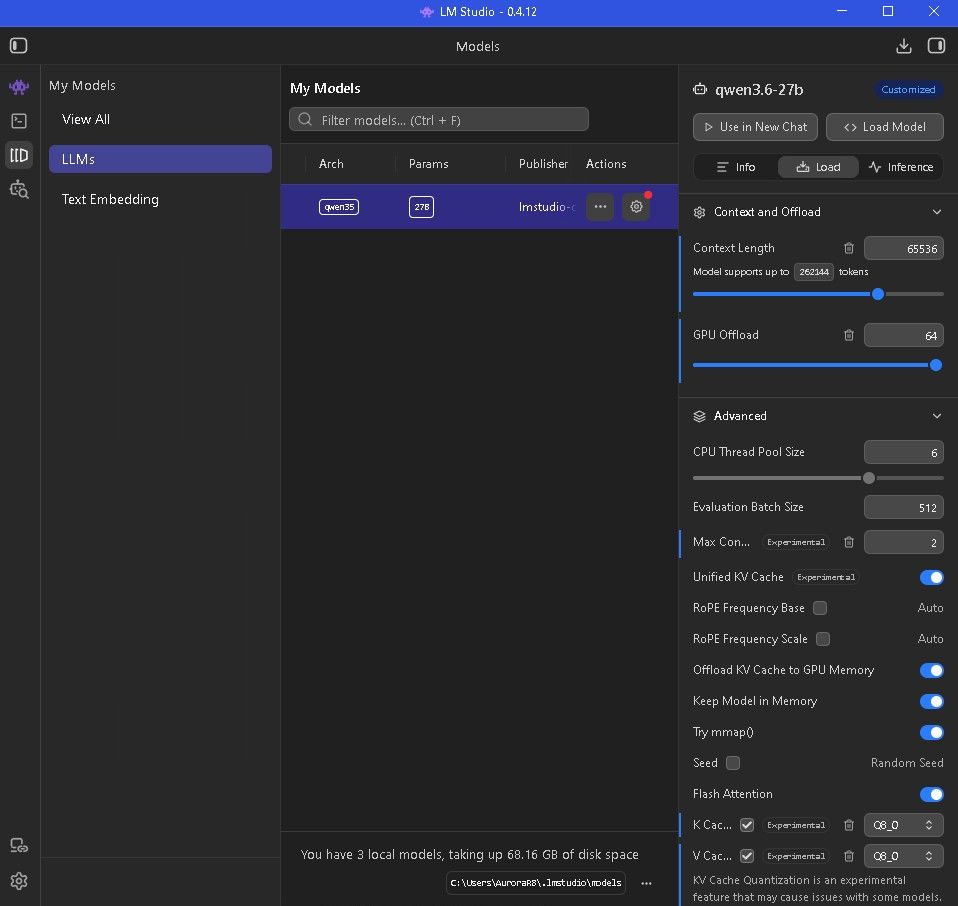
| Model | strata-nvfp4 |
| Engine | v0.1.40.2 |
| Context | 65,536 tokens |
| KV cache | 8-bit, all in VRAM |
| Experts in VRAM | 2,773 (7.1 GB) |
| Speculation | MTP drafts up to 3, 4 tokens, prompt lookup on |
| Images | off |
| Component | Specification |
|---|---|
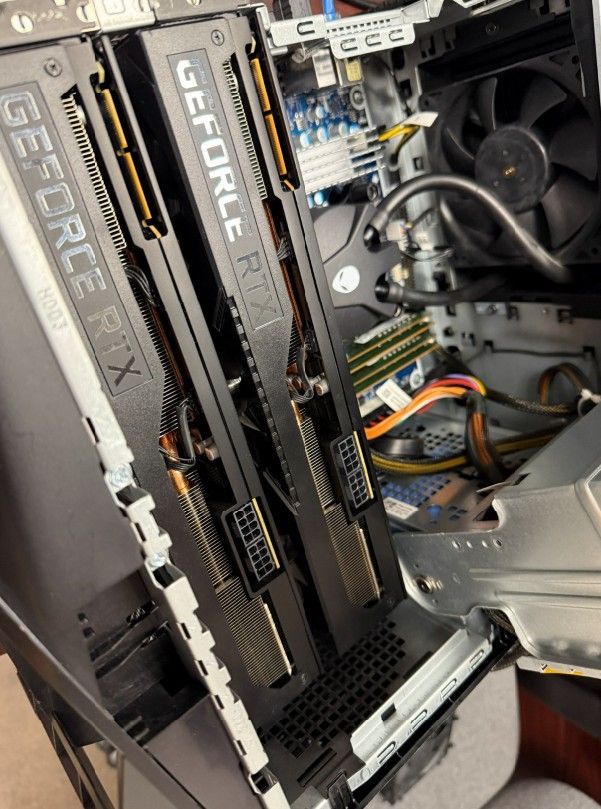
| GPU | NVIDIA GeForce RTX 5070 Ti, 16 GB |
| CPU | AMD Ryzen 7 3700X 8-Core Processor, 16 threads |
| RAM | 128 GB |
Strata NVFP4 — pp / tg 曲线 (llama-benchy)
模型 strata-nvfp4 (Qwen3.8-Flash-Next 125B MoE, ModelOpt NVFP4)
服务端 http://127.0.0.1:8097 · 上下文 65536 · --kv int8 · 专家缓存 auto (2773 slots)
工具 llama-benchy 0.4.0 · --runs 3 · --exact-tg · concurrency 1 · depth 0
主机 RTX 5070 Ti 16 GB (sm_120) · Ryzen 7 3700X (AVX2) · 128 GB DDR4-3200 · PCIe 4.0 x16
1. pp 曲线 — 提示处理 (prefill / prompt processing)
以服务端 timings 为准(见下方「关于 benchy pp 列」)。每个尺寸用不同前缀,避免 prefix cache 命中。
| pp (tokens) | 实测 tokens | 耗时 (ms) | pp (tok/s) | 相对 128 提升 |
|---|---|---|---|---|
| 128 | 180 | 1082.0 | 166.4 | 1.00x |
| 512 | 564 | 1433.1 | 393.6 | 2.37x |
| 1024 | 1076 | 1605.1 | 670.4 | 4.03x |
| 2048 | 2100 | 1955.9 | 1073.7 | 6.45x |
| 4096 | 4148 | 2906.5 | 1427.1 | 8.58x |
| 8192 | 8244 | 3367.1 | 2448.4 | 14.71x |
| 16384 | 16436 | 6300.4 | 2608.7 | 15.68x |
| 32768 | 32820 | 11773.1 | 2787.7 | 16.75x |
形状:单调上升、逐渐饱和。小提示被固定启动开销支配(128 tokens 时仅 166 tok/s),
到 32K 趋于平坦(~2.8K tok/s)。这与 Strata 的设计一致——prefill 的大部分时间花在
从 RAM/SSD 流式搬运被路由到的专家上,提示越长、每条专家的复用越高,摊销越好。
2. tg 曲线 — 逐 token 生成 (decode)
max_tokens=192,深度 = 解码开始前已占用的上下文。
| depth (tokens) | 实测 prompt | 生成 tokens | tg (tok/s) | 耗时 (ms) | 草稿命中 |
|---|---|---|---|---|---|
| 0 | 59 | 89 | 43.10 | 2065 | 49/85 |
| 4096 | 4156 | 151 | 44.60 | 3386 | 84/122 |
| 16384 | 16444 | 130 | 46.10 | 2820 | 76/99 |
| 32768 | 32828 | 119 | 39.40 | 3020 | 62/108 |
形状:浅上下文几乎平坦(43–46 tok/s),到 32K 下降约 15%(39.4 tok/s)。
下降来自弹性 K/V 增长挤占专家缓存槽位——README 说明该版本为此做了 VRAM 回收,
所以衰减比上游平缓。草稿命中率(MTP, --spec 4)在深上下文下降,也贡献了一部分。
3. tg 曲线 — 批次 1 下 benchy 的 tg 扫描
benchy 的 tg 列与上表一致,可交叉验证。数据来自 strata-pp-tg.md。
| tg 目标 | pp=128 | pp=512 | pp=1024 | pp=2048 | pp=4096 | pp=8192 | pp=16384 | pp=32768 |
|---|---|---|---|---|---|---|---|---|
| 32 | 49.65 | 56.05 | 43.39 | 49.09 | 48.37 | 55.18 | 50.00 | 51.50 |
| 128 | 45.76 | 49.53 | 49.23 | 44.59 | 47.52 | 45.20 | 44.17 | 45.92 |
| 256 | 44.62 | 50.88 | 48.80 | 46.88 | 46.40 | 48.69 | 43.99 | 42.44 |
均值约 47.5 tok/s,run 间噪声约 ±5–7%(±1 标准差)。
stdout 的 peak t/s 列即为峰值吞吐,与均值差 <3%,说明稳态。
4. 端到端首 token 延迟 (TTFT)
e2e_ttft 含 prefill + 排队 + 采样启动。
| pp | e2e_ttft (ms) | est_ppt (ms) |
|---|---|---|
| 128 | 1035 – 1497 | 0.9 – 1.4 |
| 512 | 1454 – 1551 | 3.9 – 4.2 |
| 1024 | 1825 – 1920 | 6.5 – 7.5 |
| 2048 | 2320 – 2432 | 12.0 – 13.4 |
| 4096 | 3318 – 3478 | 22.0 – 24.0 |
| 8192 | 3862 – 4166 | 40.9 – 42.3 |
| 16384 | 7708 – 8110 | 78.3 – 79.3 |
| 32768 | 12861 – 12989 | 155.4 – 157.6 |
关于 benchy pp 列的重要说明
strata-pp-tg.md 中 pp 行的 t/s 为 95,000 – 225,000,与实测不符(真实值 ~166–2,788)。
原因:在 --exact-tg 模式下 benchy 用 ttfr(首 token 到达时间)作为分母,而该值
不包含服务端的完整 prefill 时间,于是把 pp 吞吐放大了约 170x。
与 README 参考值的对比
作者在 RTX 5090 (32 GB, PCIe 5.0, 9950X3D, DDR5-5600) 上的参考:
| 作者 5090 | 本机 5070 Ti | 比值 | |
|---|---|---|---|
| 聊天解码 | 138 tok/s | 43.1 | 0.31x |
| 32K 提示后解码 | 132 tok/s | 39.4 | 0.30x |
| 32K 提示读取 | 6740–6930 tok/s | 2787.7 | 0.41x |
差距来源,按影响排序:
- 专家缓存容量 — 5090 有 ~19 GB 可缓存 ~7,200 专家;本机 7.14 GB / 2,773 槽
(仅占专家总数的 11%),未命中的比例高得多。 - PCIe 4.0 而非 5.0 — 实测 28.4 GB/s,而 Strata 的核心机制正是靠 PCIe 与 GPU 并行
计算未命中专家。这是设计上的关键路径。 - 无 AVX-512 — CPU 专家池回退到 AVX2(引擎日志已确认),CPU 分担部分变慢。
- DDR4-3200 四通道满插 — CPU 池受 DRAM 带宽限制。
README 对 16 GB 卡的预期是 ~67 tok/s(表内数值,用 5090 模拟该显存预算测得),
本机实测 43.1 tok/s 低于该值,差额主要来自 PCIe 4.0 与 AVX2——这两项正是
模拟无法复现的真实硬件差异。